

Design and order without a subscription
Create branded coffee delivered to you using guest checkout.
Use the guest Designer to create packaging and order standard wholesale coffee delivered to yourself. There is no monthly subscription, artwork fee, or minimum order quantity for this route. Products and shipping are charged at checkout.
Design your package
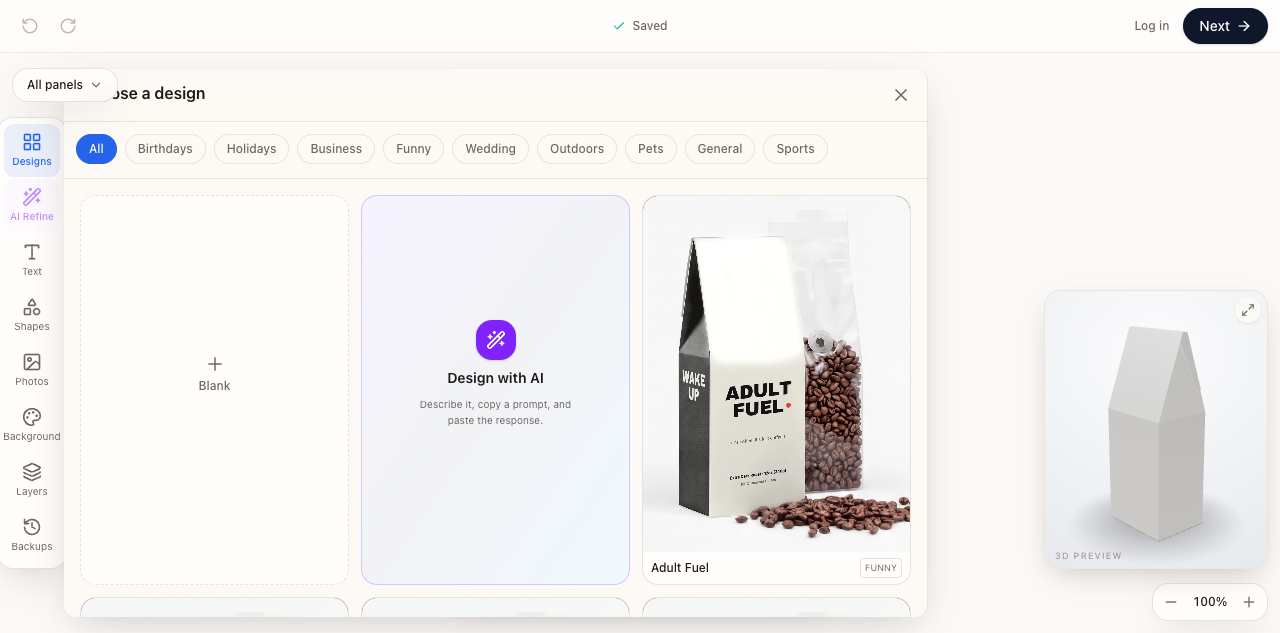
- Open the guest Designer and choose a blank design, Design with AI, or a template.
- Replace the example brand, text, and images with your own. Review every panel, including the top flap.
- Check the assembled package in the 3D preview. Fix cropped text and artwork near folds or cut edges.
- Choose Next and complete the coffee, quantity, and delivery choices shown in the checkout flow.
- Check the selected coffee, format, artwork, shipping address, and total before submitting payment.
Before you pay
Make sure the packaging describes the coffee you selected. A mockup is a design reference; it cannot guarantee printed color or label compliance. Keep a copy of your artwork and order confirmation.
A submitted order can enter production. If checkout appears stuck after payment, check for a confirmation and existing order before trying again.
Want to sell online?
Guest checkout is for ordering coffee delivered to you. For connected selling and dropshipping, use Shopify or Roastify Stores.