

Getting Started
Sign in or create an account
Access the Merchant App and troubleshoot verification emails.
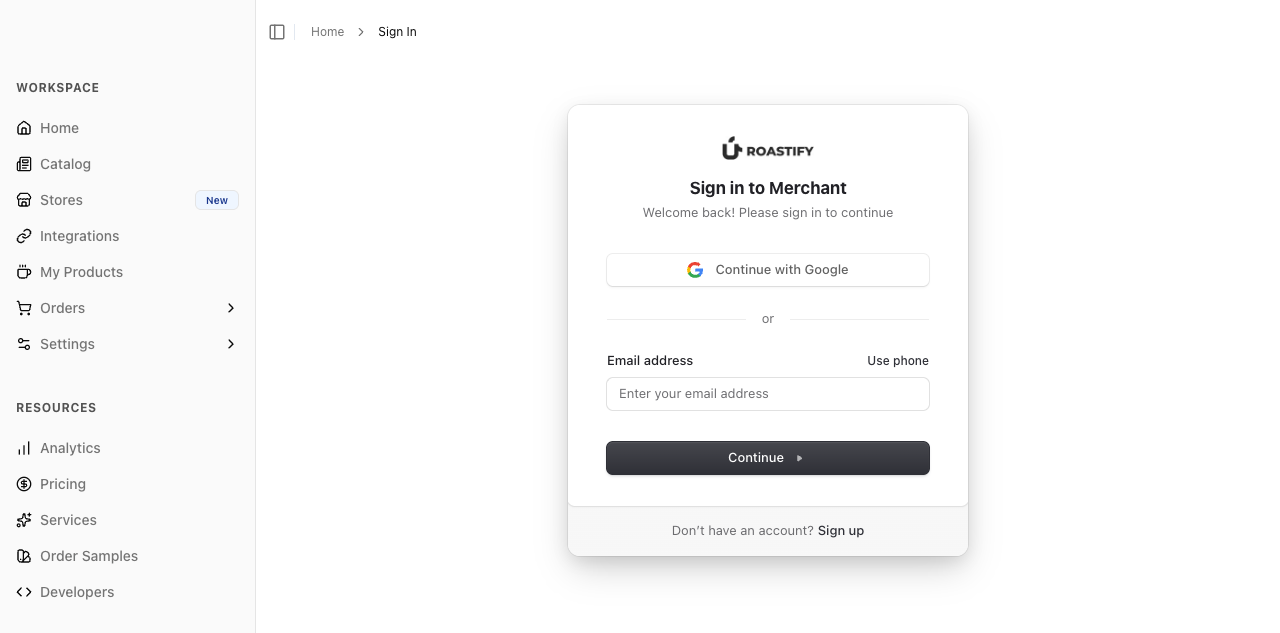
Open the Merchant App and follow the sign-in or account-creation options shown. Use the same email and sign-in method each time so you return to the account with your products and orders.
Verification email missing?
- Check that the email address is correct.
- Look in spam, junk, and filtered folders.
- If you requested several codes, use the most recent email and follow the expiration shown.
- Check whether you originally used Google or another sign-in option instead.
If you still cannot get in, email support@roastify.app with the account email, sign-in method, time of the attempt, and error text. Never send your password or verification code.
My products or orders are missing
Check which account is signed in before creating another account or repeating an order. Send support the original order reference and account email so the records can be located.